

Sona 777
Sona 777
Direct Android download
- Platform
- Android
- Download format
- APK
- Installation help
- EN / हिन्दी
For Android phones. Download the APK, then install it on your device.
Inside the app
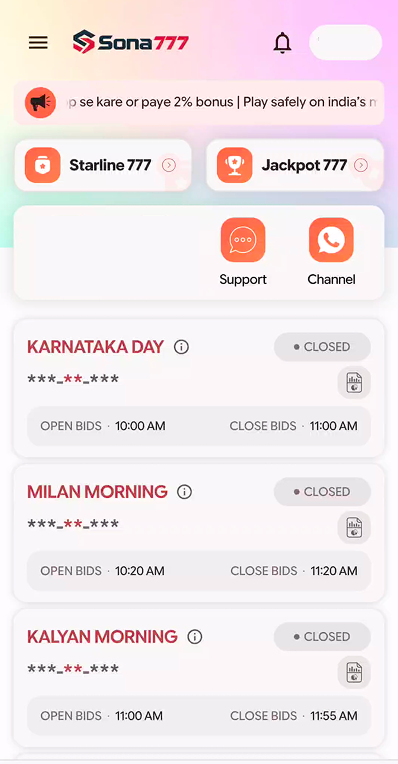
A closer look at Sona 777.
Explore the app interface before you download.
About this app
Get Sona 777 on your Android phone with a direct APK download. Follow the installation guide below to get started, with help available in English and Hindi.
This is the Sona 777 download website. The APK is installed directly, outside Google Play.
How to install
- 1
Download the app
Tap Download App above and wait for the APK file to finish downloading. Only use a source you trust.
- 2
Open the downloaded file
Open your browser’s Downloads or your phone’s Files app → Downloads, then tap the downloaded file.
- 3
Allow this installation, if prompted
Android may ask for permission to install from this source. Open Settings and enable ‘Allow from this source’ only for the browser or Files app you used. Names vary by phone.
- 4
Install, then restore the setting
Return to the installer and tap Install, then Open. Afterwards, turn ‘Allow from this source’ off again. Keep Play Protect enabled; if Android flags the file as unsafe, stop instead of bypassing the warning.